Skip to content

michelcarlo

Microsoft 365, Power Platform and SharePoint related thoughts

Integrating SharePoint Online with Cognitive Services and Translator with the help of Microsoft Flow (Power Automate)

  • Azure
  • Flow
  • Microsoft 365
  • SharePoint Online
  • Tech Tips
November 11, 2017January 14, 2021 Michel Mendes

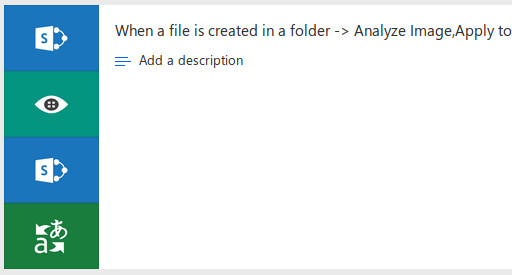
In this post, I’ll make a quick demonstration of how we can effectively use Microsoft Cognitive Services in conjunction with SharePoint. Through Cognitive Services, we […]

Read Post
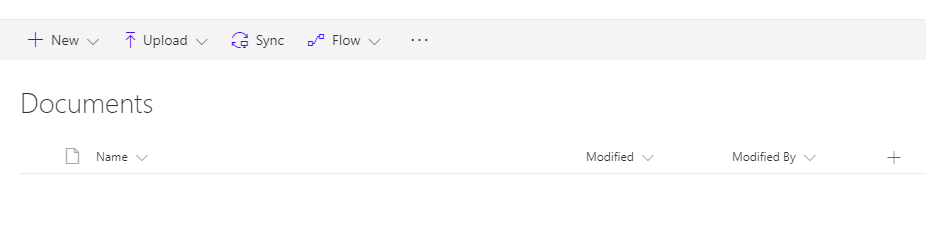
Hide Microsoft Flow “Flows” Button on SharePoint Libraries/Lists

  • Branding
  • Configuration
  • CSOM
  • Flow
  • IT Pro
  • Microsoft 365
  • SharePoint Online
August 31, 2017January 14, 2021 Michel Mendes

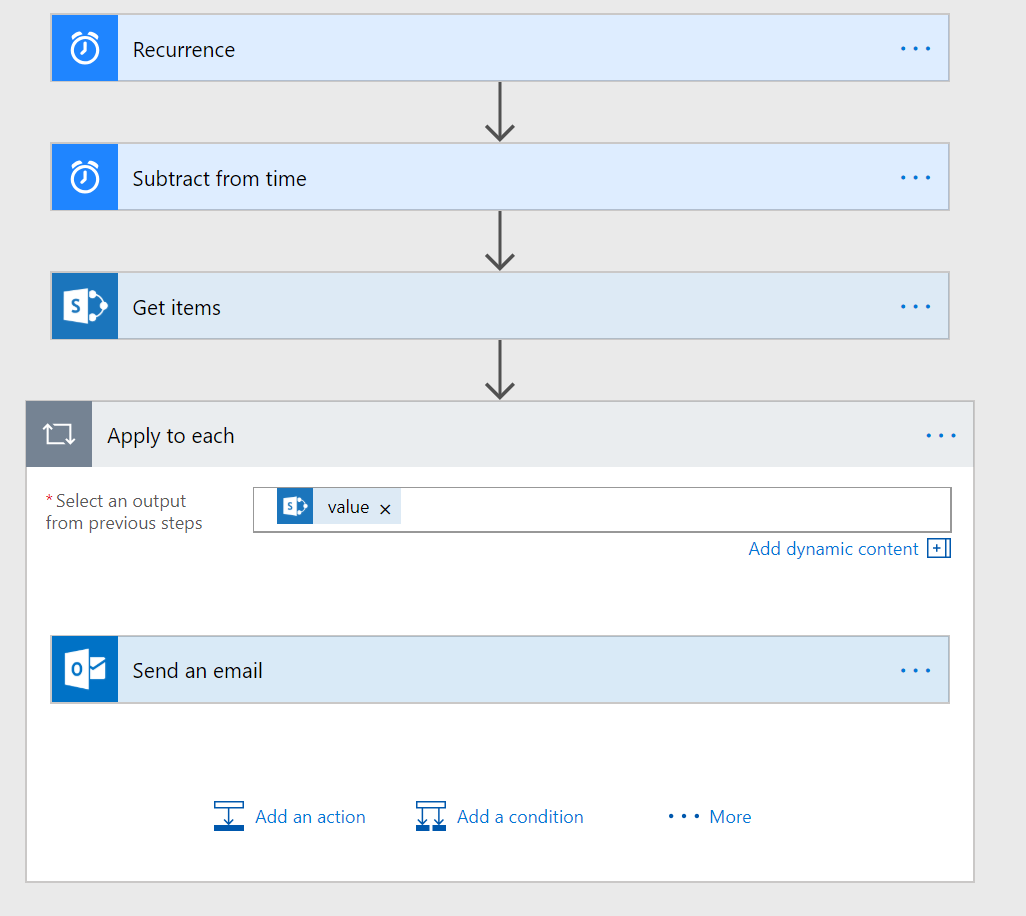
Microsoft Flow is a very useful integration tool released by Microsoft in Office 365. But in most of the cases, it started rolling out to […]

Read Post

Posts navigation

«Previous Posts 1 … 11 12 13
About me
Michel Mendes
Microsoft 365 & Power Platform Consultant/Developer

Follow @michelcarlo
Michel Mendes

Useful Resources

  • Microsoft Applied Skills: Create agents in Microsoft Copilot Studio
  • Extend Power Pages – Learning Path
  • Get Started with Power Pages – Learning Path
  • Power Pages Training Videos
  • Get Started with Microsoft 365 Copilot – Learning path
  • Power Automate Licensing FAQ
  • FAQ – SharePoint Add-In and Azure ACS retirement in Microsoft 365
  • How Teams and SharePoint work together
  • SharePoint List Formatting 101
  • SharePoint List Formatting Syntax Reference
  • SharePoint Framework Tutorials
  • SharePoint REST API: Get Started
Tweets by michelcarlo

Recent Posts

  • Quick Fix: Power Pages CSP Errors on New Environments (unsafe-eval & unsafe-inline)
  • Power Automate: Generate a SharePoint sharing link for a file for viewing but prevent downloading it
  • Run pac pages using DevOps classic release pipelines
  • How to preview PDF files in Power Pages using the Nutrient SDK: Part 2 – Saving annotations to Dataverse and loading them back
  • How to preview PDF files in Power Pages using the Nutrient Web SDK: Loading files

Recent Comments

  • Microsoft Roadmap, messagecenter and blogs updates from 18-05-2026 - KbWorks - SharePoint and Teams Specialist on Power Automate: Generate a SharePoint sharing link for a file for viewing but prevent downloading it
  • Power Automate: Generate a SharePoint sharing link for a file for viewing but prevent downloading it – 365 Community Online on Power Automate: Generate a SharePoint sharing link for a file for viewing but prevent downloading it
  • Microsoft Roadmap, messagecenter and blogs updates from 08-04-2026 - KbWorks - SharePoint and Teams Specialist on How to preview PDF files in Power Pages using the Nutrient SDK: Part 2 – Saving annotations to Dataverse and loading them back
  • How to preview PDF files in Power Pages using the Nutrient SDK: Part 2 – Saving annotations to Dataverse and loading them back – 365 Community Online on How to preview PDF files in Power Pages using the Nutrient Web SDK: Loading files
  • How to preview PDF files in Power Pages using the Nutrient SDK: Loading files – 365 Community Online on How to preview PDF files in Power Pages using the Nutrient Web SDK: Loading files

Categories

  • AI Builder
  • Azure
  • Azure Devops
  • Branding
  • Configuration
  • CSOM
  • Dataverse
  • Development
  • Dynamics 365
  • Flow
  • IT Pro
  • Microsoft 365
  • Microsoft Graph
  • Microsoft Lists
  • Microsoft Teams
  • PnP
  • Power Apps
  • Power Automate
  • Power BI
  • Power Pages
  • PowerShell
  • Project Online
  • SharePoint Online
  • Tech Tips
About me
Michel Mendes
Microsoft 365 & Power Platform Consultant/Developer

Follow @michelcarlo
Michel Mendes

Useful Resources

  • Microsoft Applied Skills: Create agents in Microsoft Copilot Studio
  • Extend Power Pages – Learning Path
  • Get Started with Power Pages – Learning Path
  • Power Pages Training Videos
  • Get Started with Microsoft 365 Copilot – Learning path
  • Power Automate Licensing FAQ
  • FAQ – SharePoint Add-In and Azure ACS retirement in Microsoft 365
  • How Teams and SharePoint work together
  • SharePoint List Formatting 101
  • SharePoint List Formatting Syntax Reference
  • SharePoint Framework Tutorials
  • SharePoint REST API: Get Started
Tweets by michelcarlo

Recent Posts

  • Quick Fix: Power Pages CSP Errors on New Environments (unsafe-eval & unsafe-inline)
  • Power Automate: Generate a SharePoint sharing link for a file for viewing but prevent downloading it
  • Run pac pages using DevOps classic release pipelines
  • How to preview PDF files in Power Pages using the Nutrient SDK: Part 2 – Saving annotations to Dataverse and loading them back
  • How to preview PDF files in Power Pages using the Nutrient Web SDK: Loading files

Recent Comments

  • Microsoft Roadmap, messagecenter and blogs updates from 18-05-2026 - KbWorks - SharePoint and Teams Specialist on Power Automate: Generate a SharePoint sharing link for a file for viewing but prevent downloading it
  • Power Automate: Generate a SharePoint sharing link for a file for viewing but prevent downloading it – 365 Community Online on Power Automate: Generate a SharePoint sharing link for a file for viewing but prevent downloading it
  • Microsoft Roadmap, messagecenter and blogs updates from 08-04-2026 - KbWorks - SharePoint and Teams Specialist on How to preview PDF files in Power Pages using the Nutrient SDK: Part 2 – Saving annotations to Dataverse and loading them back
  • How to preview PDF files in Power Pages using the Nutrient SDK: Part 2 – Saving annotations to Dataverse and loading them back – 365 Community Online on How to preview PDF files in Power Pages using the Nutrient Web SDK: Loading files
  • How to preview PDF files in Power Pages using the Nutrient SDK: Loading files – 365 Community Online on How to preview PDF files in Power Pages using the Nutrient Web SDK: Loading files

Categories

  • AI Builder
  • Azure
  • Azure Devops
  • Branding
  • Configuration
  • CSOM
  • Dataverse
  • Development
  • Dynamics 365
  • Flow
  • IT Pro
  • Microsoft 365
  • Microsoft Graph
  • Microsoft Lists
  • Microsoft Teams
  • PnP
  • Power Apps
  • Power Automate
  • Power BI
  • Power Pages
  • PowerShell
  • Project Online
  • SharePoint Online
  • Tech Tips